This is a draft template showing every markdown feature available in devlog posts. It won’t appear on the index page (draft: true), but you can visit it directly at /devlogs/hello-world for reference.
Frontmatter Schema
Every devlog .md file needs this frontmatter at the top:
---
title: "Your Post Title"
date: 2026-03-19
description: "Short excerpt shown on the card."
tags: ["dev update", "lessons learned"]
image: "/img/optional-hero.png"  # optional
lastModified: 2026-03-19T15:45:00  # optional, shows "Last updated" on post
draft: false                      # optional, defaults to false
---
File naming convention: YYYY-MM-DD-slug-title.md (e.g., 2026-03-19-why-im-building-gridiron-rumble.md)
Headings
Use ## for major sections and ### for subsections. The post title is the h1, so start your content at h2.
This is a subsection heading
Subsection headings render in orange for contrast.
Text Formatting
Regular paragraph text uses Chakra Petch at 17px. You can use bold text for emphasis, italic text for softer emphasis, and combine them for bold italic. Links look like this example link and turn yellow on hover.
Lists
Unordered list:
- First item in the list
- Second item with bold mixed in
- Third item with a link included
Ordered list:
- Step one of a process
- Step two with some detail
- Step three wrapping it up
Blockquotes
Default blockquote — use for general callouts, quotes, or asides:
This is a standard blockquote. It has an orange left border and a subtle warm background. Great for highlighting key points or quoting something.
Callout Variants
Start a blockquote with a bold keyword to get a colored variant:
Tip: Use this for suggestions, pro tips, or positive callouts. Renders with a green accent.
Warning: Use this for breaking changes, known issues, or things to watch out for. Renders with a red accent.
Info: Use this for background context, FYI notes, or neutral announcements. Renders with a blue accent.
Code
Inline code uses backticks: v0.2, getCollection(), --orange-bright.
Fenced code blocks for longer snippets:
func _ready():
    var player = Player.new()
    player.position = Vector2(100, 200)
    add_child(player)
Keyboard Keys
Use <kbd> tags for game controls or keyboard shortcuts:
Press A to juke, B to spin, X to stiff-arm. Hold RT to sprint.
Images
Standard image:
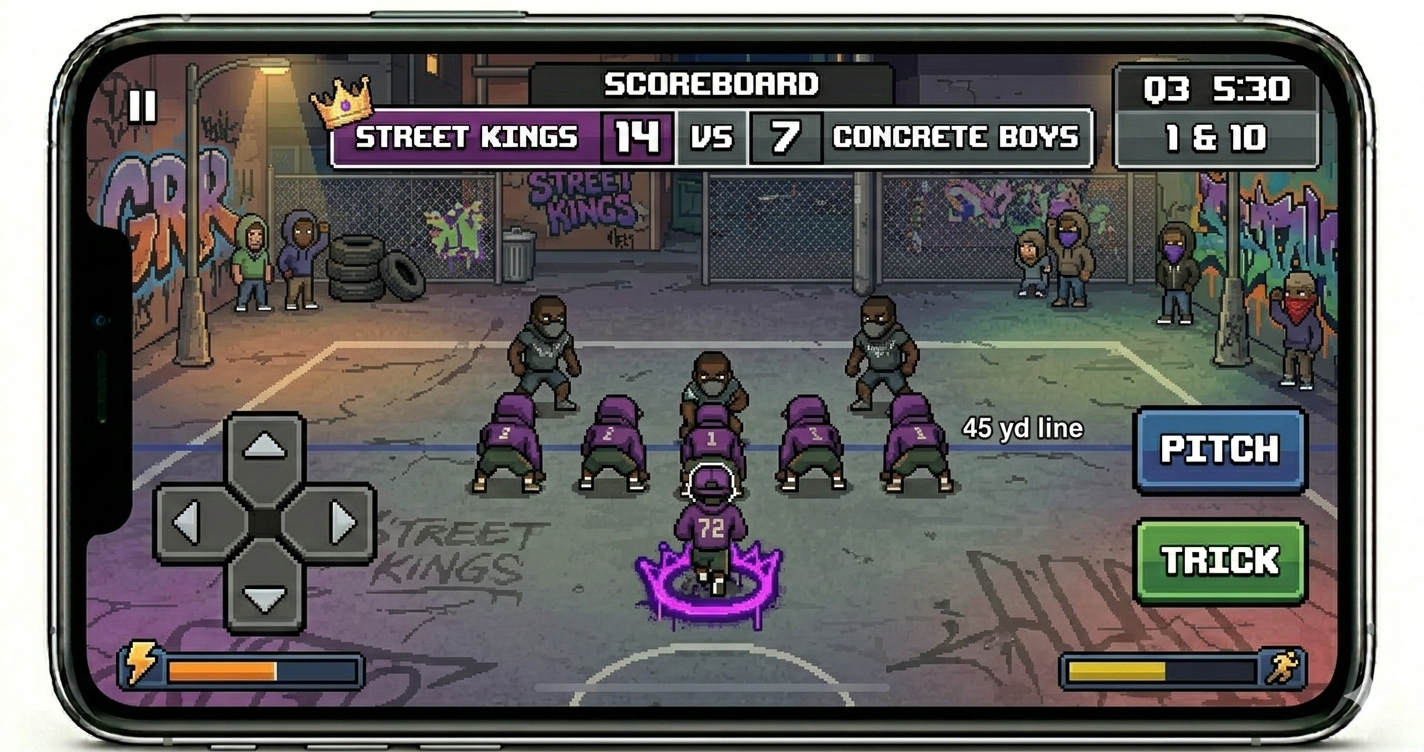
Image with caption (put *caption text* on the next line):
Concept art — not actual gameplay footage
Horizontal Rules
Use --- between sections to get the decorative diamond divider you see throughout this post.
That’s everything available. Copy the frontmatter template above when starting a new post, and reference this page anytime you need to check how a feature renders.